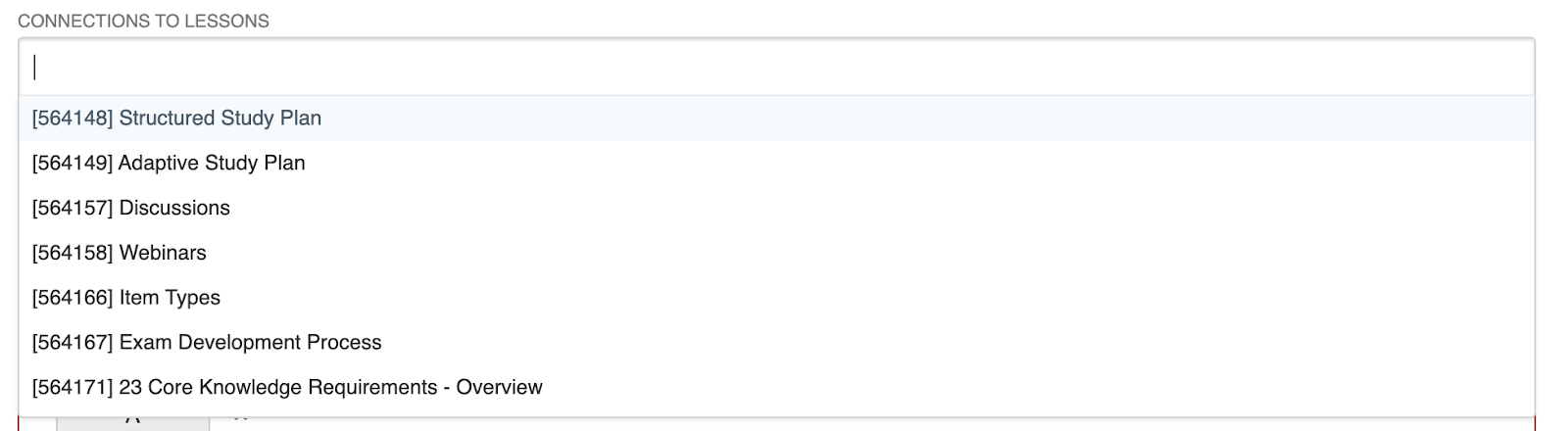
Connecting Questions to Lessons

Feb 13, 2026
3345

Question-Lesson Connections power our "Related Questions" section for lessons. This link, found under the Continue button on the right-hand side, allows a learner to take practice questions that directly check knowledge related to that lesson. You do not need to have question-lesson connections in your course. However, their presence allows for this additional study benefit.
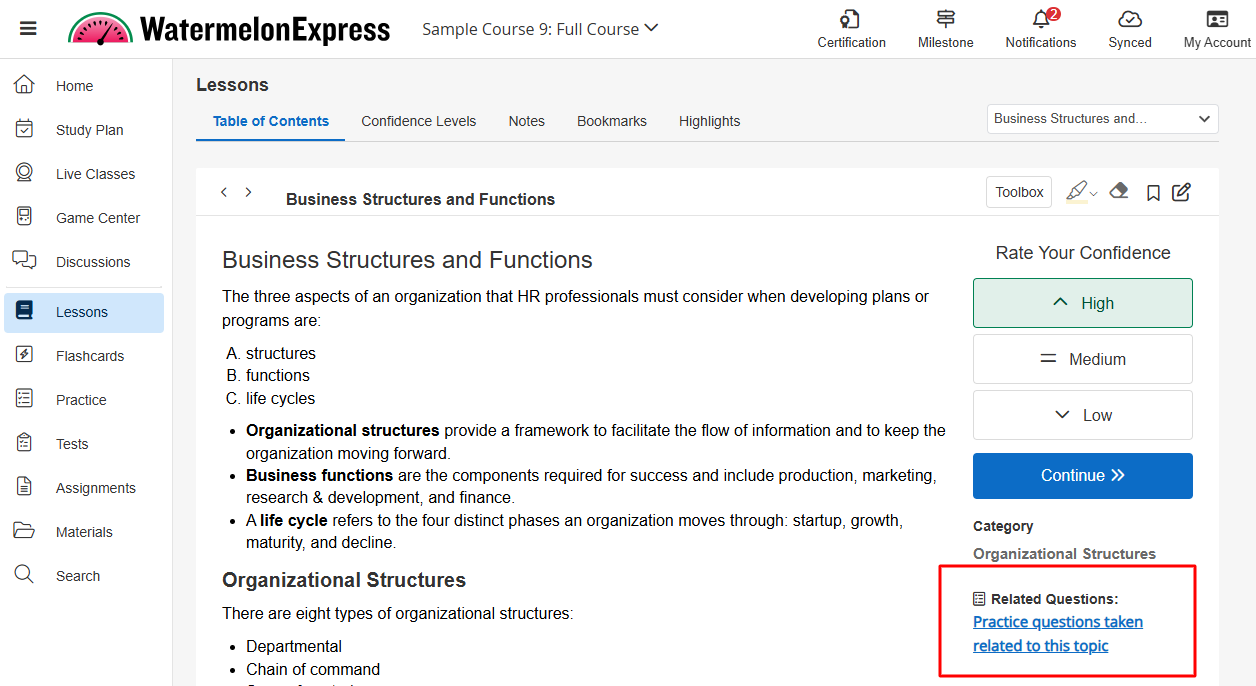
NOTE: Once a practice question is answered, the link will no longer be available. The question will still be accessible and available for review from the practice module.
Creating Connections
To setup question-lesson connections, follow these steps:
- Navigate to your question within BluePrint, and click on Edit.
- Under the "Connections to Lessons" section, add the appropriate lesson(s). You can search by the lesson's ID or name.
- Click on Save.
- Navigate to your lesson(s) in WebApp, and under "Related Questions," click on Practice Questions related to this topic. Your connected question will appear here.