How do I change my test date on a mobile device?

Apr 29, 2026
2687

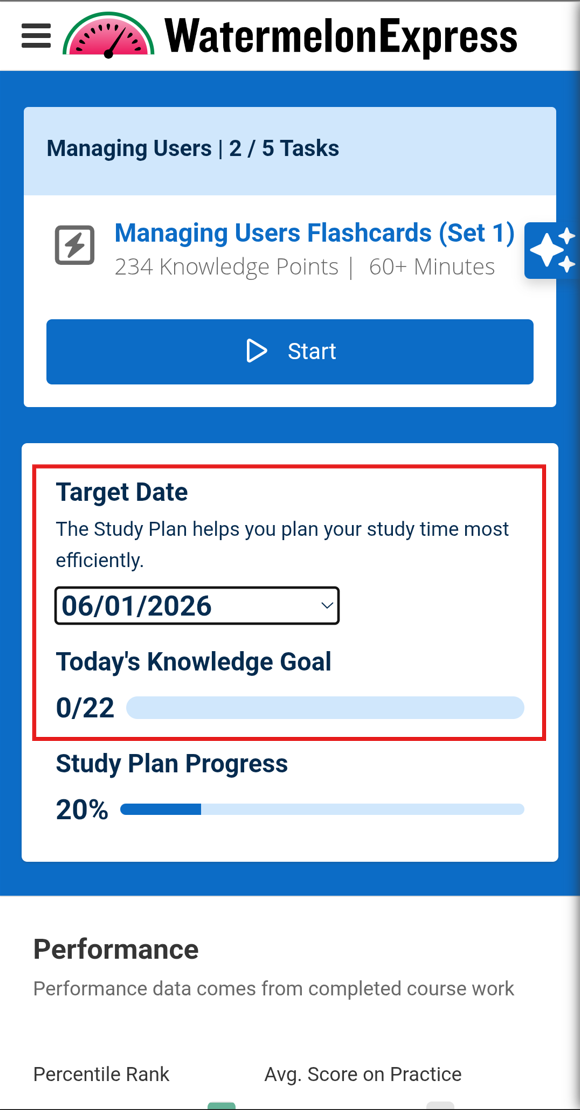
- Go to the Study Plan section or the Home section (both will work).
- Tap the small arrow next to the test date. This will bring up a widget for you to change the date.
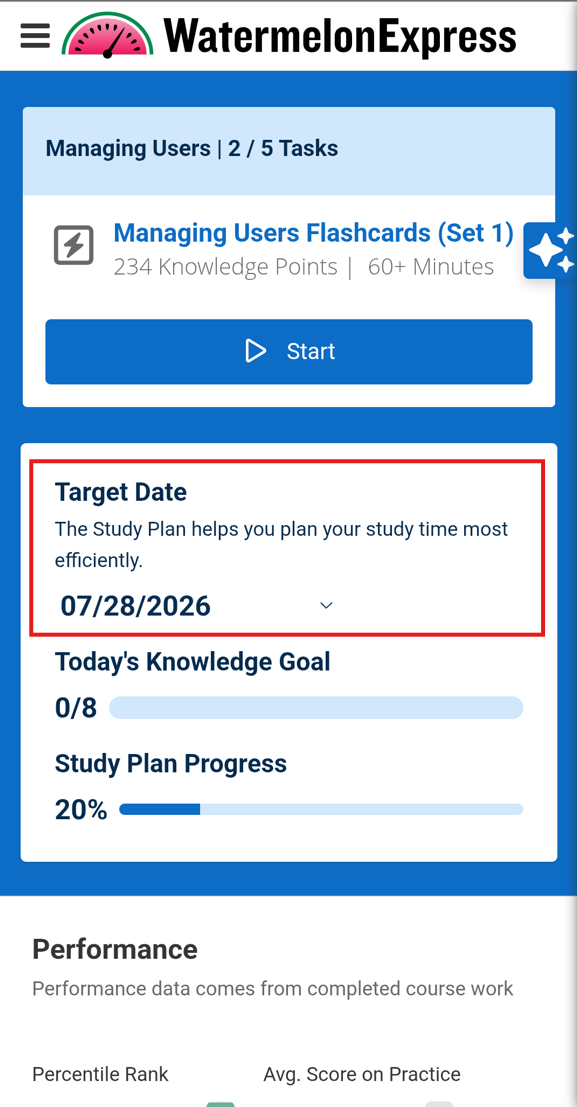
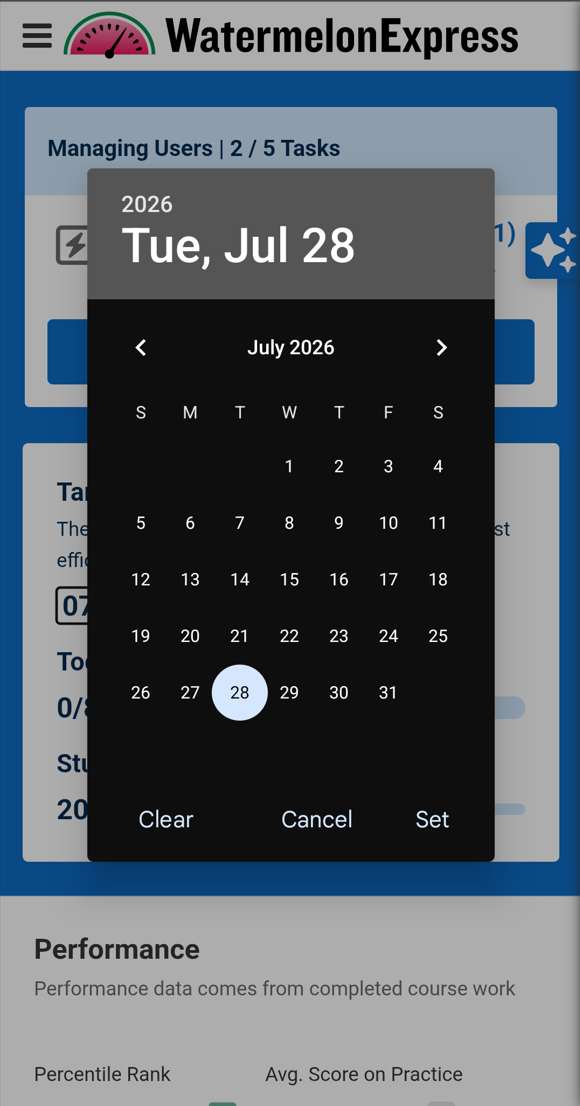
- Select a date on the date picker to update your target completion date and click Set.
- Your Target Date and Knowledge Goal will update accordingly.